Nightspar
Stop forgetting the words you look up
Select a word or phrase where you find it. Nightspar captures the sentence around it, builds a complete card for the meaning used there — translation, pronunciation, examples, audio — and schedules it for review right before you'd forget.
How it works
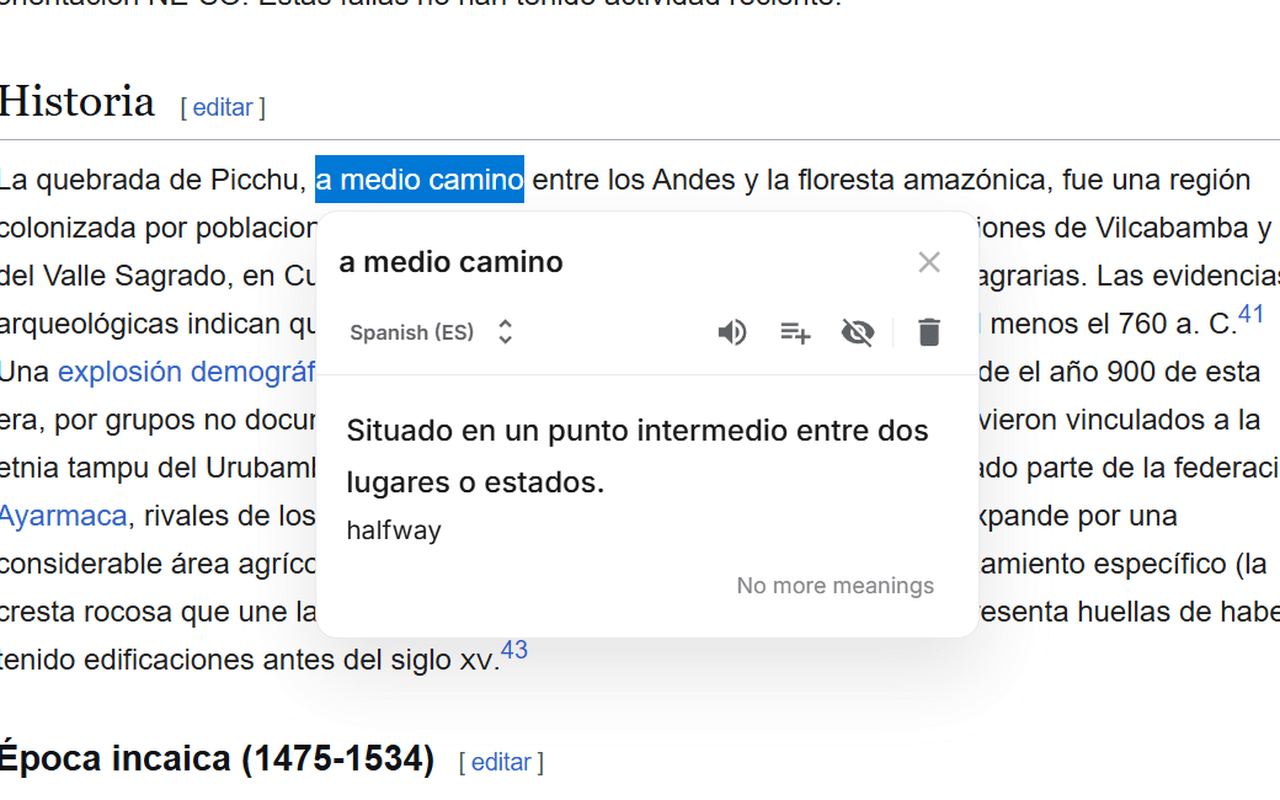
Save it where you find it
Reading an article, chatting, watching something with subtitles? Select the phrase and save it — with the browser extension, in the app, or straight from an AI chat. The sentence it came from is saved too.
Get a complete card, automatically
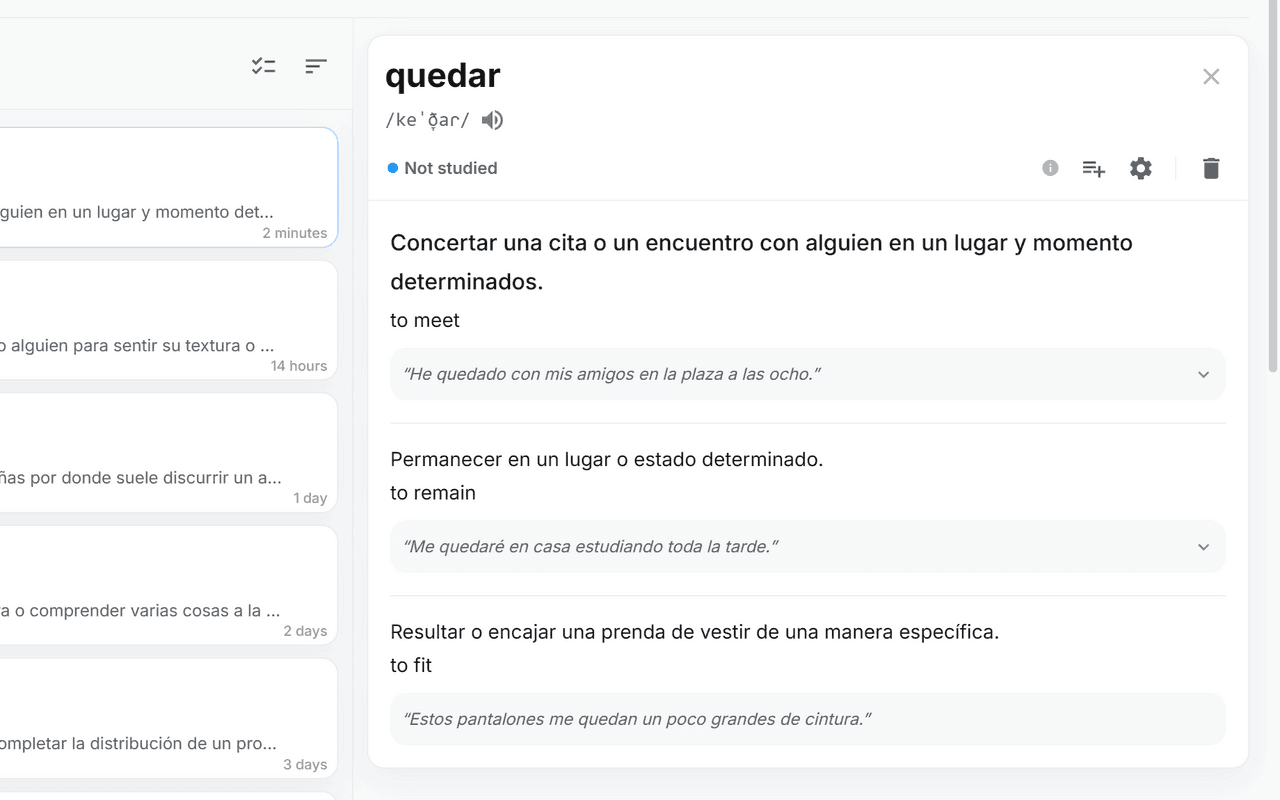
Meanings, translations, pronunciation, example sentences, and audio — all generated for you. The definition describes the meaning actually used in the sentence you saved it from, not just the most common one. No card-making, ever.
Review right before you'd forget
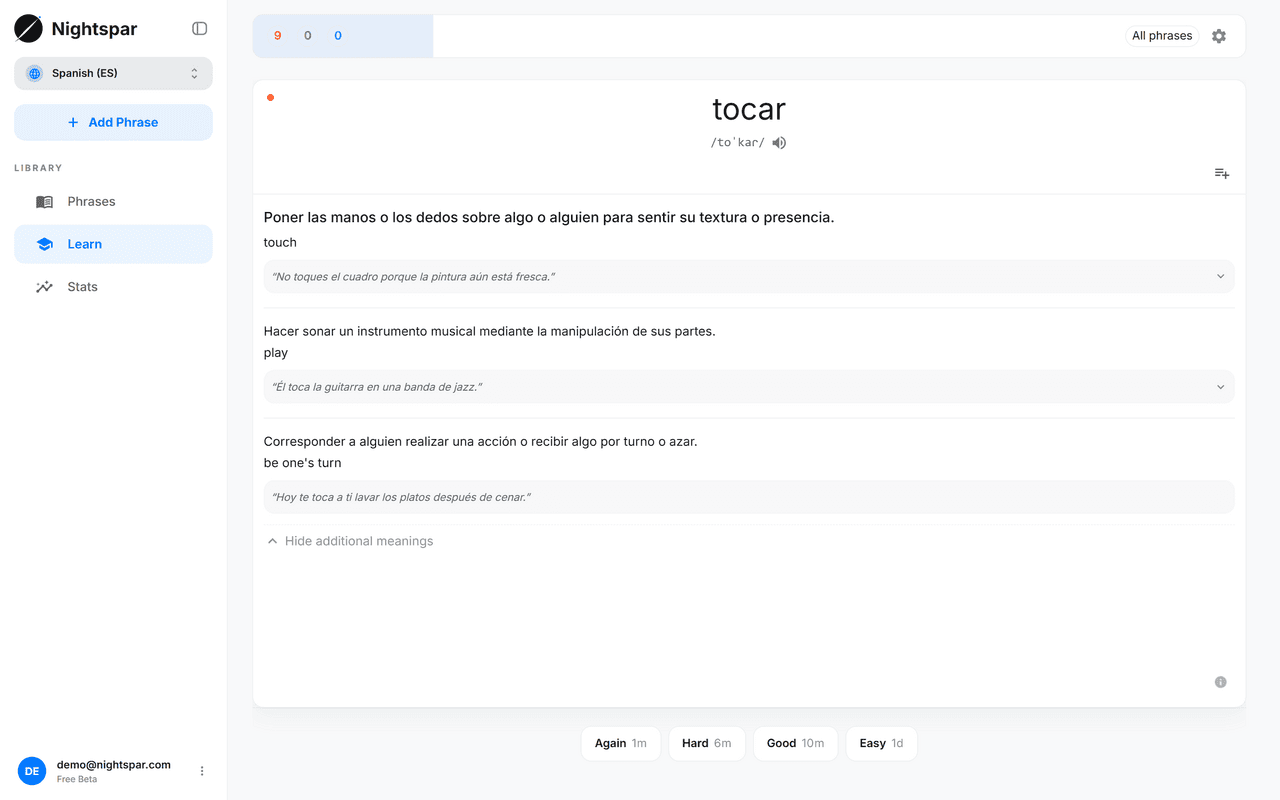
A few minutes of flashcards a day. Each word comes back just before you'd forget it — spaced repetition handles the schedule, you just answer.
One library, wherever the words come from
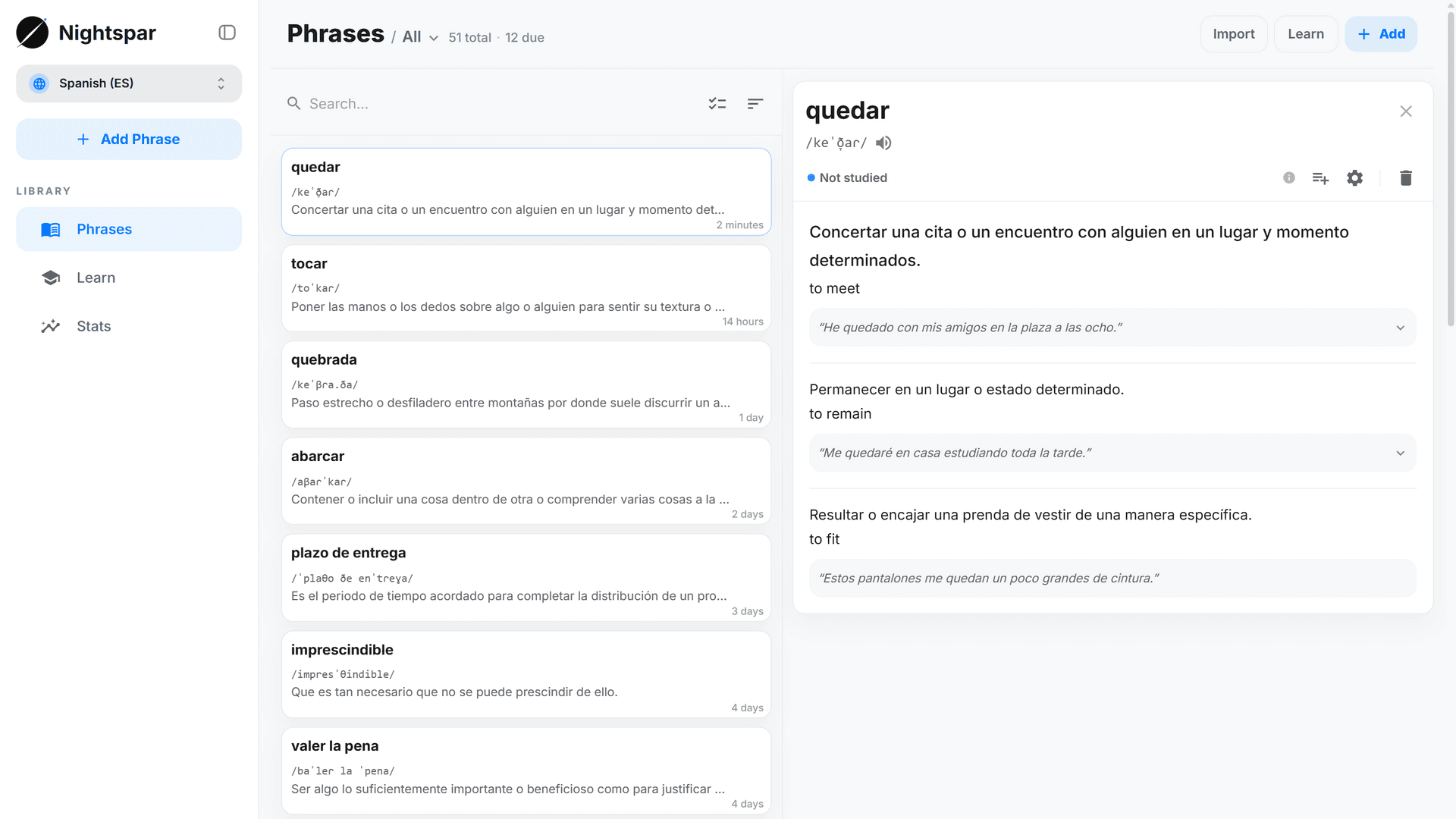
Everything you save — from webpages, AI chats, pasted text, or bulk imports — lands in one place, searchable and organized. Group phrases yourself, or let smart collections do it for you.
Capture from any page
Select text on any webpage — the phrase and the sentence around it are saved, and the card is built from that context. No interruption to your reading.
Add from AI chats
Ask ChatGPT or Claude what a word means, then save it to your library right from the conversation.
Import in bulk
Paste a list or a whole article and let AI pick out the words worth learning — or tell it what to focus on.
Collections that keep themselves updated
Describe what you want — “work vocabulary”, “phrasal verbs” — and matching phrases are gathered, with new saves added as your library grows.
Any language, several at once
33 languages, with audio — and you can learn more than one at the same time, each with its own library and schedule.
Your data, exportable
Download your phrases as a CSV file any time, free on every plan.
Free during the beta
The full product is free while in beta. When paid plans arrive there will still be a free plan — and every beta account gets founding perks:
3 months of Premium, free
Applied automatically when paid plans launch. No card needed.
A permanent Founding badge
You were here first — your profile will say so.
30% off, for as long as you stay subscribed
Subscribe any time during your free months and keep the discount.
And on any plan, ever: reviewing your cards, your saved phrases, audio playback, and export are never locked.
Your words stay yours
Export is always free
Download your phrases as a plain CSV file, on every plan, any time.
Delete everything, yourself
Account deletion is self-service, right from your settings.
Analytics that can't read your words
Usage analytics are anonymous and cookieless, and never include the phrases you save.
Common questions
How is this different from Anki?
Same serious spaced repetition — reviews are scheduled with FSRS, the same modern algorithm Anki uses — but the cards make themselves. Anki is free forever, works offline, and is endlessly customizable; if that setup works for you, keep it. This is for people who quit because making good cards took longer than studying them.
Is it really free? What happens after the beta?
Everything is free during the beta. Later it becomes freemium: a free plan stays (limited in how many new phrases you can add each month), and a paid plan covers unlimited adding plus the heavier AI features. Beta accounts get the founding perks above, and nothing you've saved is ever taken away.
Which languages does it support?
34 languages so far, 33 of them with audio. You can learn several at once — each language pair keeps its own library and review schedule.
What does the AI see? What happens to my data?
The phrases you save — along with the sentence they were captured from — are sent to a language model to build your cards. Your learning progress, your collections, and your library stay private to your account, and usage analytics are anonymous and never include your text.
Can I get my data out?
Yes — download your phrases as a CSV file any time, on every plan, free. That will not change.
Is there a mobile app?
Not yet. The web app is built for phones, and you can add it to your home screen — it opens full-screen with its own icon. A mobile app is planned.
Start with the next word you look up
Save it once and it's on your review schedule for good — Nightspar takes care of the rest.